CS2 introduced a massive overhaul to the audio engine, giving players deeper control over how sound is processed. If you are using standard desktop speakers or unoptimized settings, you are playing at a severe disadvantage.
The EQ Profile (Choose Crisp) In your Audio settings, you will find an "EQ Profile" option.
Smooth: Reduces harsh highs. Good for your ears, bad for the game.
Crisp: This is the competitive standard. It boosts mid-high frequencies, which is exactly where the sound of enemy footsteps and weapon reloads sit. It makes crucial sound cues punch through the noise of grenades.
L/R Isolation This setting dictates how strictly audio is separated between your left and right earcups.
If set to 0%, a sound on your far left will still bleed heavily into your right ear.
If set to 100%, the sound will only play in your left ear.
The Sweet Spot: Set this between 50% and 70%. It provides accurate directional audio without feeling unnatural or jarring.
The 10-Second Warning Turn off all game music (Main Menu, Round Start, Death Camera) except for the Ten Second Warning Volume. Keep this around 10-15%. This music track cues exactly 10 seconds before the bomb explodes. Since defusing without a kit takes 10 seconds, this audio cue tells you immediately if you have time to stick the defuse or if you need to run and save your weapon.
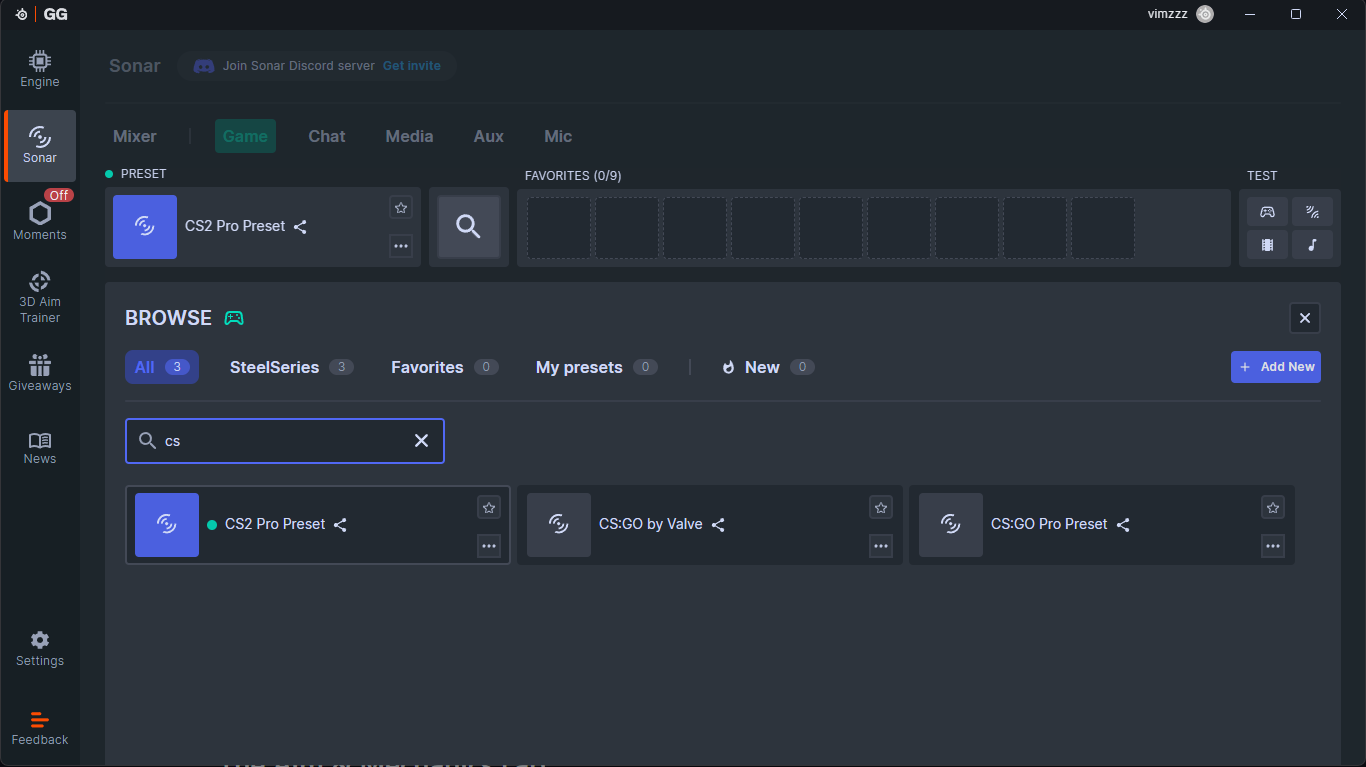
3rd party applications such as Steelseries GG amongst other also offer equalizer profiles specifically tuned for CS2 which makes it a lot easier to pinpoint the sound in 3D space